How to use this checklist. Work top to bottom - the order matters. Items marked
★ are the ones that, if skipped, cost you rankings,
revenue, or your store. Built specifically for
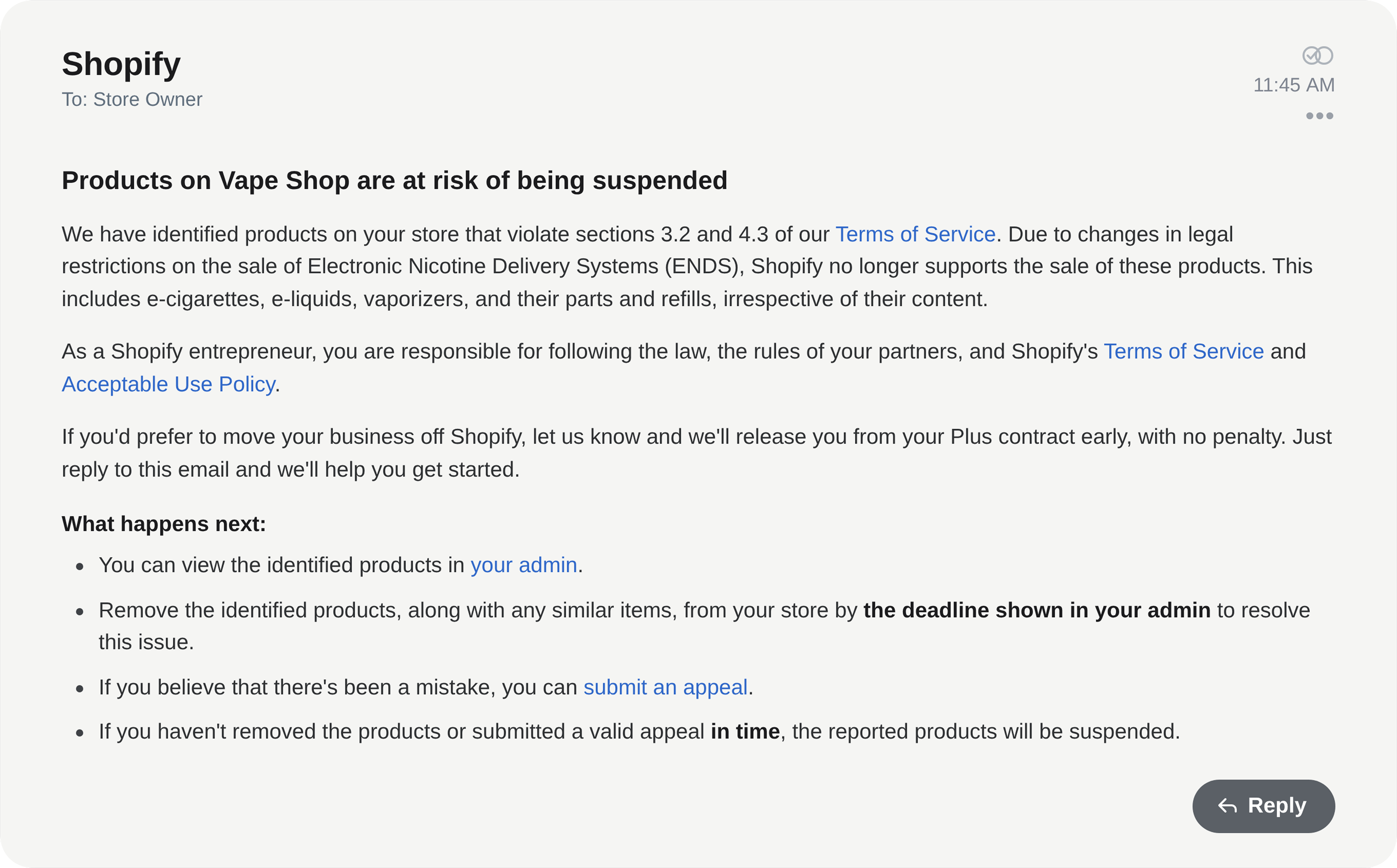
vape & ENDS brands leaving Shopify for a platform that can't ban them.
CHAPTER 01
Audit & baseline - before you change anything
You can't protect what you haven't measured. Capture the current state of your store and its SEO first, so you have a map to migrate against and a benchmark to recover to.
CHAPTER 02
Protect your SEO ★
This is where migrations quietly fail. Most data-migration tools move your catalog but do not handle redirects or canonicals - so your URLs change, your rankings vanish, and nobody notices until traffic craters. Do not skip a single box here.
CHAPTER 03
Keep every link alive
Backlinks are earned authority you can't buy back. A broken link is wasted authority and a lost customer. Make sure nothing that points at you lands on a 404.
CHAPTER 04
Move every piece of data - lose nothing
If it lived in Shopify, it needs a home on the new platform. Walk this list field by field.
Products
Catalog & navigation
Customers
Orders & money
Content & social proof
Configuration
CHAPTER 05
Rebuild apps & integrations
Your store is held together by a dozen apps. Switching platforms means re-creating that functionality - map each one to a proven equivalent so nothing silently stops working.
CHAPTER 06
Vape / ENDS compliance ★
The reason you're leaving Shopify is the reason this chapter exists. Get compliance right on the new platform or you'll be migrating again.
CHAPTER 07
Build, design & tech
CHAPTER 08
Pre-launch QA
Everything below happens on a private staging site that search engines can't see - then you test like a paranoid customer.
CHAPTER 09
Launch / cutover
CHAPTER 10
Post-launch - the first 90 days
A clean migration usually sees a small, temporary ranking dip that recovers within weeks. The difference between "recovers" and "never recovers" is the monitoring you do now.
First 48 hours
Weeks 1–4
Weeks 4–12
⚠ The 7 ways people lose rankings in a migration
Changing URLs without 301 redirects.
Forgetting to remove the staging noindex / robots block at launch.
Only redirecting products - not collections, blog and images.
Letting page speed / Core Web Vitals tank on the new theme.